
Secure bank connections
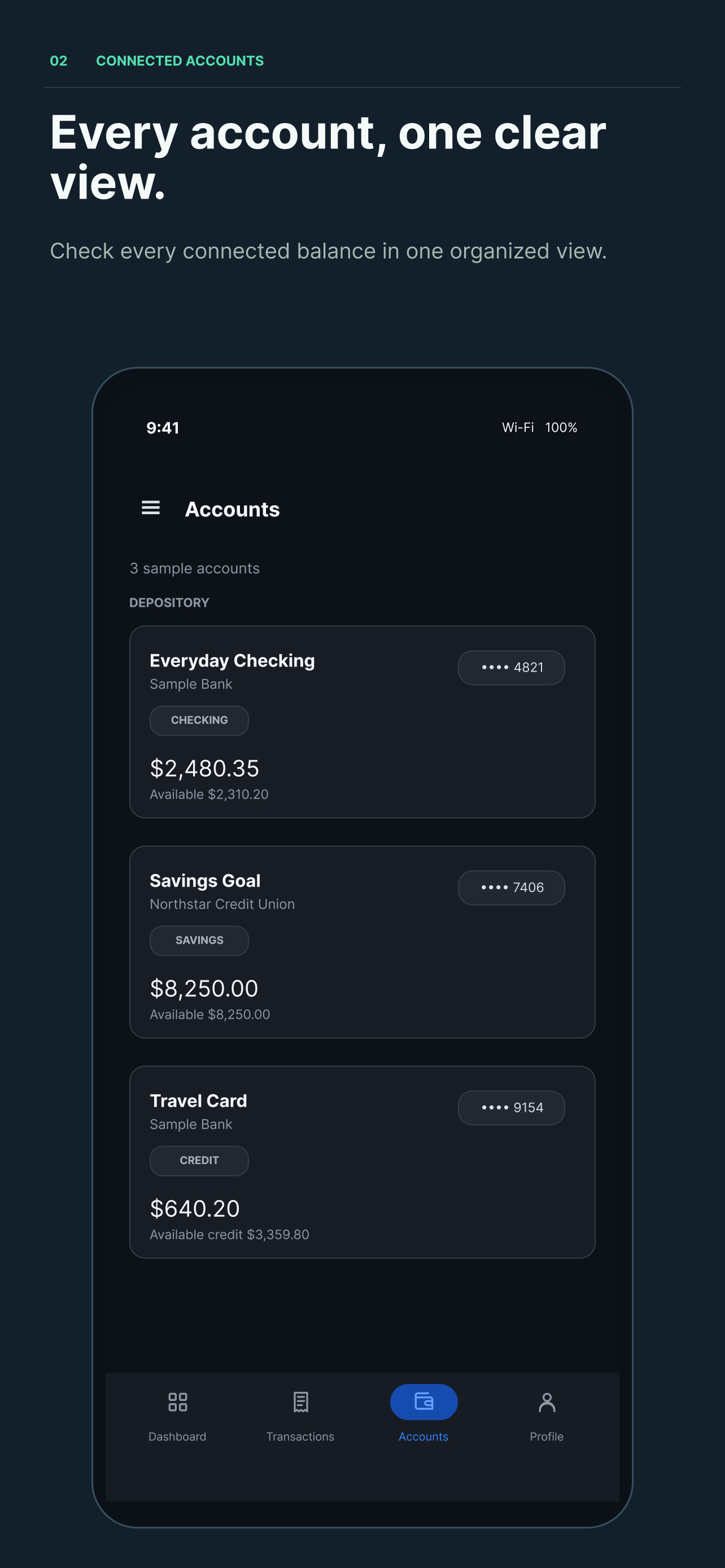
Connect supported banks through Plaid to review balances and recent account activity in one place.
Official website for the iPhone app
Simple Finance Tracker is an iPhone app that helps people connect supported bank accounts, review balances and transactions, organize spending, and keep Personal, Business, Joint, and custom finances separate in one clear view.
This is the official home page for Simple Finance Tracker. The app uses Google Sign-In to create or access a user account, and uses Plaid only when a user chooses to connect a supported bank.
What Simple Finance Tracker does
The iOS app uses Plaid to connect supported banks and import account balances and transaction activity. Users can review spending, categorize transactions, create reusable rules, and separate financial activity into multiple profiles.
Connect supported banks through Plaid to review balances and recent account activity in one place.
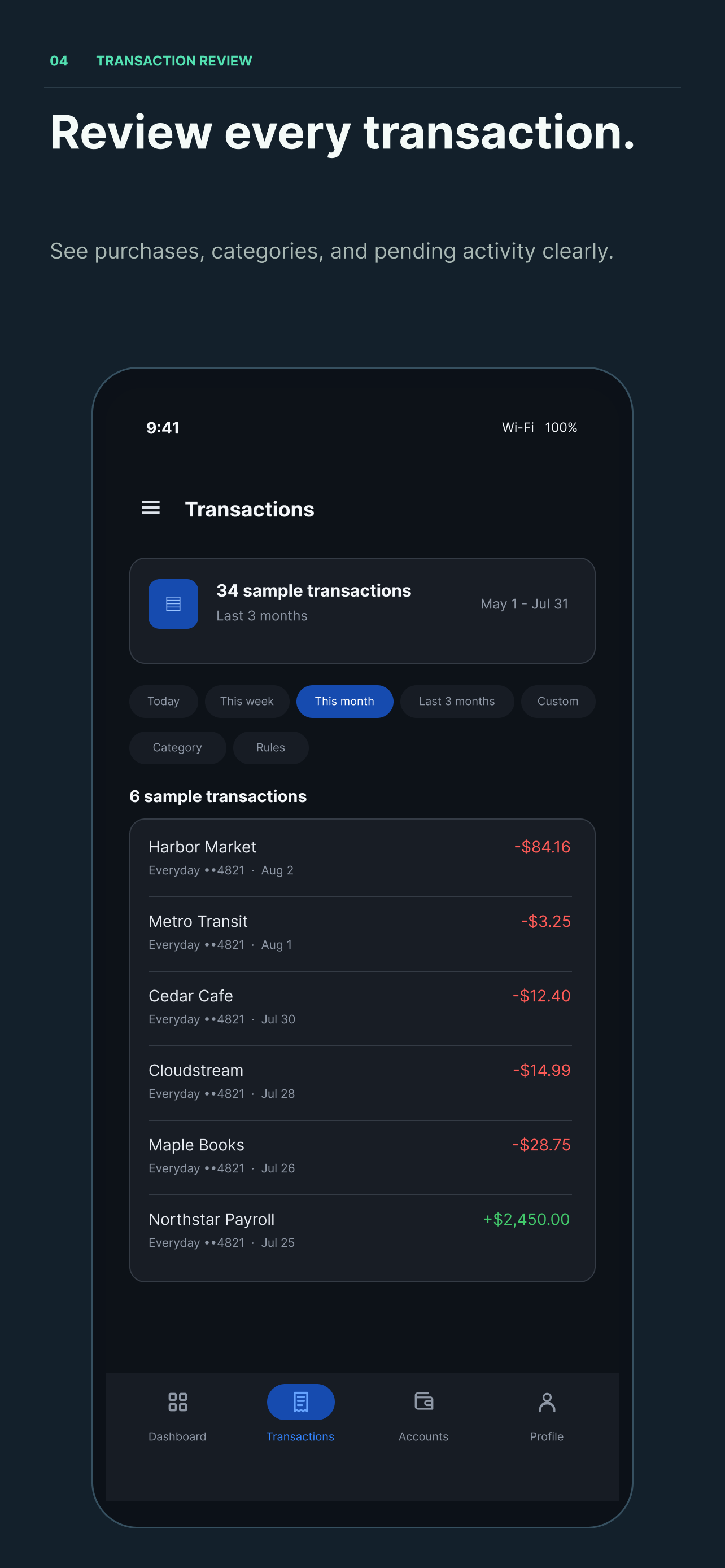
Categorize purchases and apply reusable rules to future matching transactions.
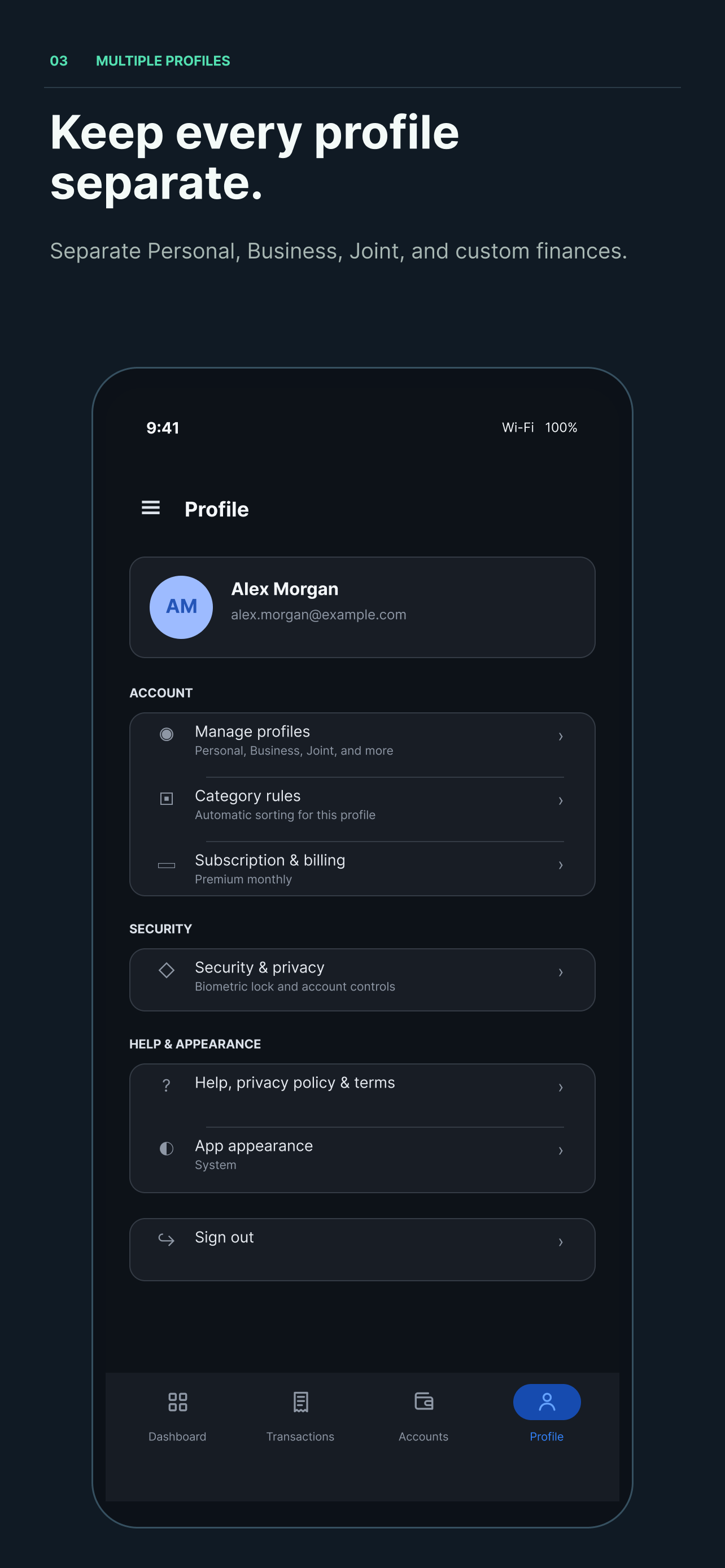
Keep Personal, Business, Joint, and other finances distinct under one login.
How Simple Finance Tracker works
The app uses separate, purpose-built services for account access and bank connectivity. You stay in control of each connection.
Use Google Sign-In to create or access your Simple Finance Tracker account.
Choose the accounts you want to connect through Plaid. Bank credentials are handled by Plaid, not Simple Finance Tracker.
Review transactions, apply categories and rules, and separate activity into the profiles that fit your life.
Why we use Google Sign-In
Simple Finance Tracker uses Google Sign-In only to create or access your app account. With your permission, we receive basic Google account information such as your name, email address, account ID, and profile image when available.
Google Sign-In is not used to access bank credentials, balances, or transaction history. Bank information is connected separately through Plaid only after you choose to connect a supported bank.
Designed for focus
Scan accounts, review activity, and move between financial profiles without losing context.
Find account, subscription, bank connection, and privacy help.